

Make Sparx EA Data Come Alive Visually with Power BI
Transform Sparx Systems Enterprise Architect Models into Real-Time Power BI Dashboards. Unlock the potential of Power BI integration for Sparx Systems to deliver interactive dashboards, actionable reports, and instant insights.
About Sparx Systems Kernaro Connector for Power BI
Architecture data only becomes valuable when it drives decisions. With Sparx Systems Kernaro Connector for Power BI, your models seamlessly connect to Power BI, turning complex data into business-friendly visuals.
No more static exports or manual reporting. Sparx EA Power BI integration brings clarity to every stakeholder.
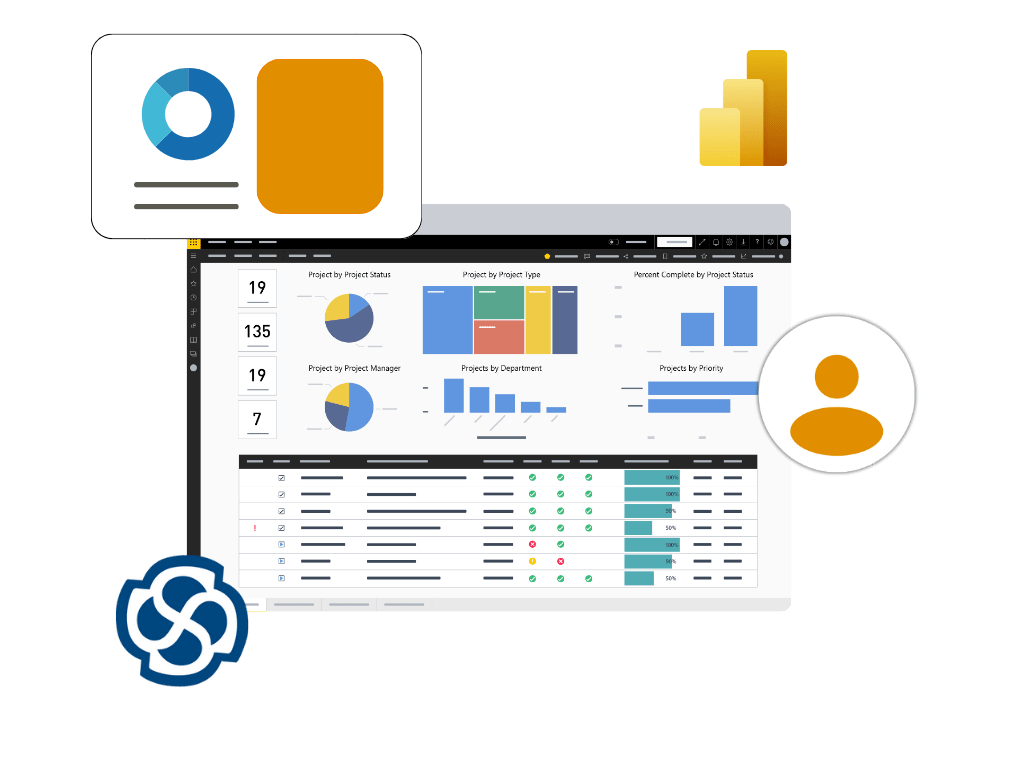
A Powerful Easy-to-Use Application
Discover the core capabilities of our application - Improved
Decision-Making, Flexible Insights and Real-Time Reporting.
Decision-Making
Empowers teams with insights, accelerating execution speed and decision-making.
Flexible Insights
Tailor reports to business needs - track KPIs, progress, and boost efficiency.
Real-Time Reporting
Delivers real-time insights with live data for faster, and informed decisions.
Import Templates, Gain Insights Instantly
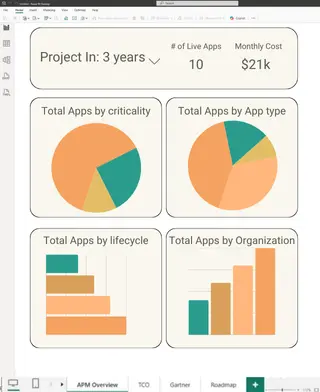
With ready-to-import dashboards, simplify architecture use cases like Application Portfolio Management - connect models, and insights are ready instantly.
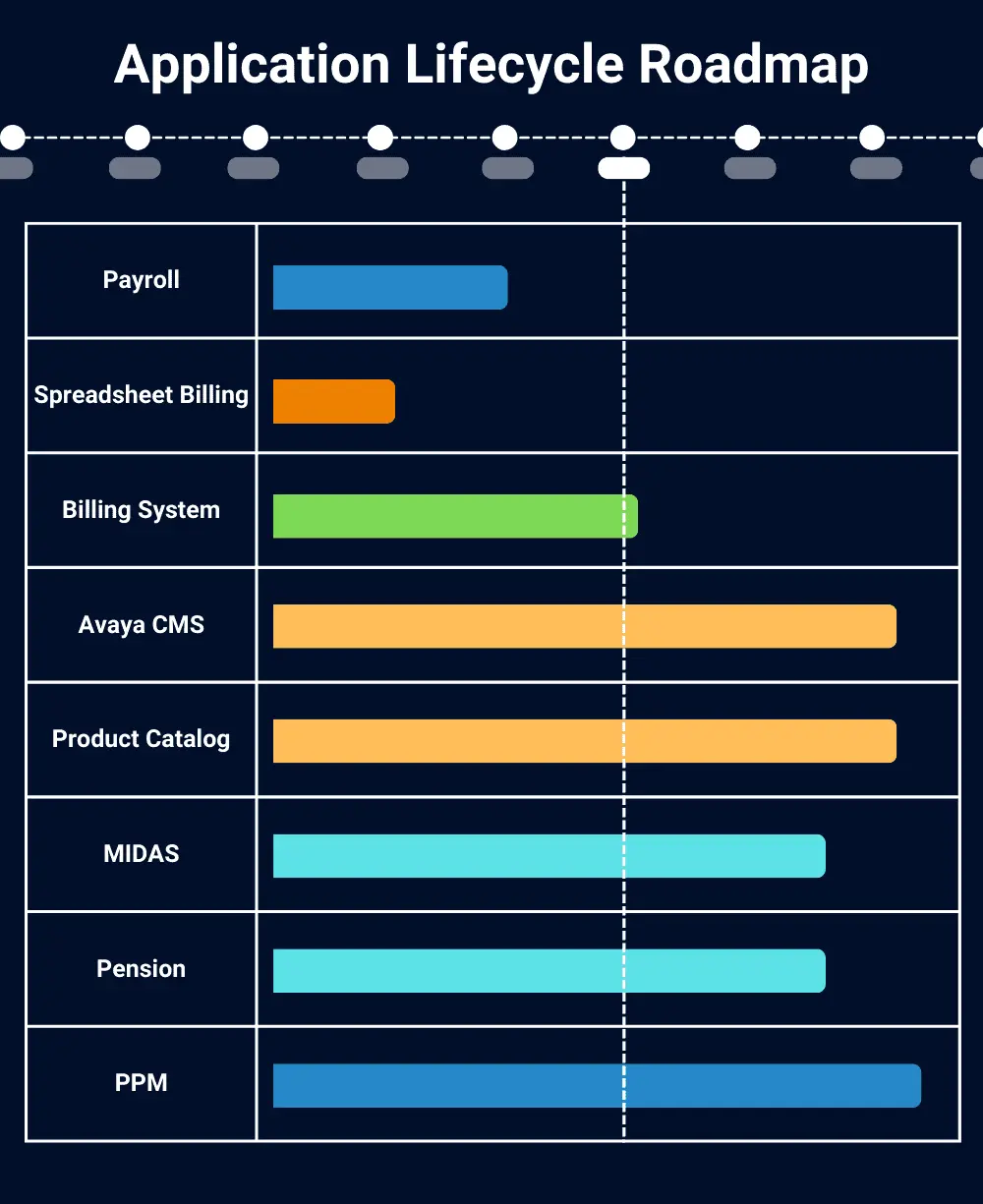
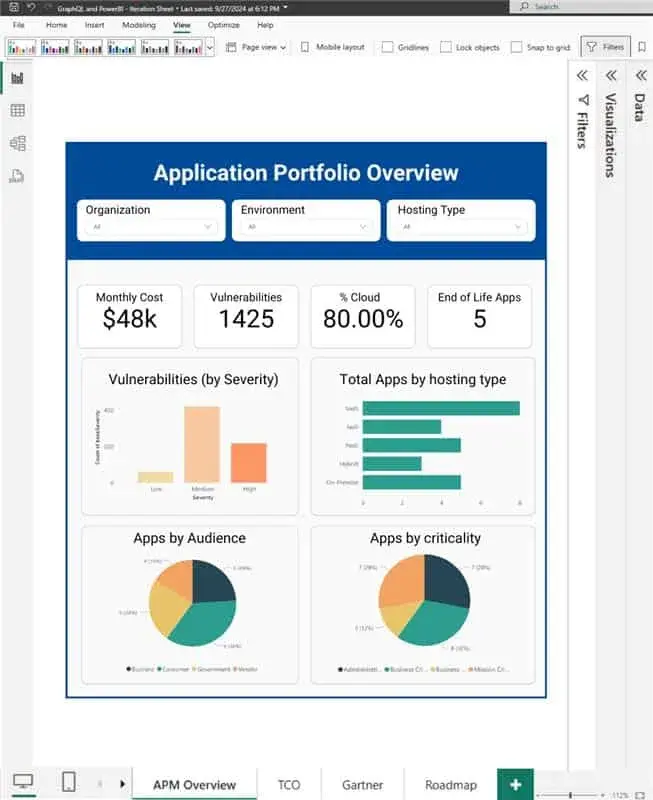
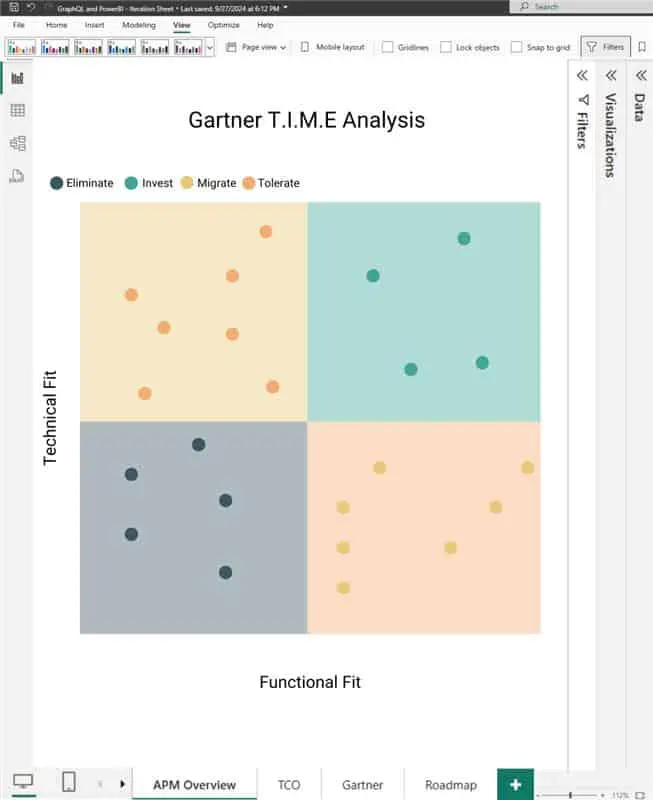
Leverage Power BI's Charts for Faster Insights
Sparx Systems users can effectively leverage Power BI's built-in rich chart options to build, modify, and adapt detailed reports instantly, driving smarter insights and better decisions.
Go Beyond Point-to-Point Integrations
Expand your Sparx Systems ecosystem with multi-layer integration powered by Power BI Microsoft Fabric. Centralize EA model data once, simplify management, improve accuracy, and deliver insights that drive confident decisions.
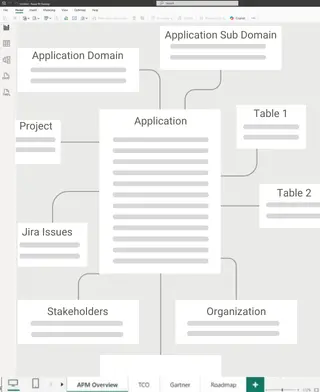
How It Works: From Source to Insights
With concepts in hand, we meticulously design, refining every detail to align with your vision and objectives.
Connect Source
Effortlessly link your Sparx Systems model data to Power BI for real-time insights.
Transform Data
Convert Sparx EA’s physical model into logical, business-ready data structures.
Design Dashboard
Design tailored dashboards using Power BI’s rich visuals to showcase key insights.
Share Insights
Share interactive reports with stakeholders, ensuring clarity and informed decisions.
Increase the Value of Your Architecture Investments
Your organization invests significant time and resources in building EA models. Connecting these models to Power BI Microsoft Fabric amplifies their value by making them accessible and actionable for business decision makers
Wider Access
Share key information like process maps, application dependencies, and technology relationships with business analysts, project managers, IT leaders, and executives, not just architects.
Better Collaboration
A unified platform encourages cross-team communication and ensures everyone is aligned on the facts, supporting more effective projects and smoother transformations.
Faster Risk Assessment
Instantly visualize the impact of proposed changes, identify potential risks, and understand downstream effects, reducing planning cycles and costly surprises.
Informed Decisions
Combine EA data with financial, operational, and portfolio metrics for more thorough, context-driven analyses and business cases.
Continuous Improvement
As more employees interact with architecture data, the feedback loop strengthens, driving ongoing improvements in both models and business outcomes.
Empower Your Business with Connected Insights
Ready to see the full value of your Enterprise Architect models? With Kernaro Connector for Power BI, insights are instant, accurate, and connected. Start today and empower your business with data that drives decisions.